Auto-zoom
Zooms land where you click.
No keyframes to set.
- A zoom on every click and typed field
- A smooth cursor and an eased camera
- Change any zoom on the timeline
Zooms land on every click, the AI writes the story, the music cuts on the beat.
Then export vertical cuts and GIFs for X, Reels and Shorts.
Free to try · $9 once for the first 100 buyers, then $19 · No account needed
See it in action
Every clip below is real LaunchLoop output, recorded and rendered on a Windows PC.
Auto-zoom
3D angles
Camera and captions
Smart Redact
Looks
Make a demo
Every format
One recording. Different stories.
A punchy reveal or a calm walkthrough. Choose the film your launch needs, then make it your own.
A line that rolls onto your name, grids of moving tiles and 3D tiles at the end, cut to the beat of your song. This is LaunchLoop's own trailer, on a royalty-free track.
The small details make the film.
Automatic zooms and a smooth cursor bring the important details closer. Adjust every move in the editor.
Explore automatic zoom →Smart Redact finds sensitive text locally. Review every mask before you export.
The optional AI writer turns your brief into headlines, scenes and camera direction. You stay in charge of the final cut.
Make a launch video →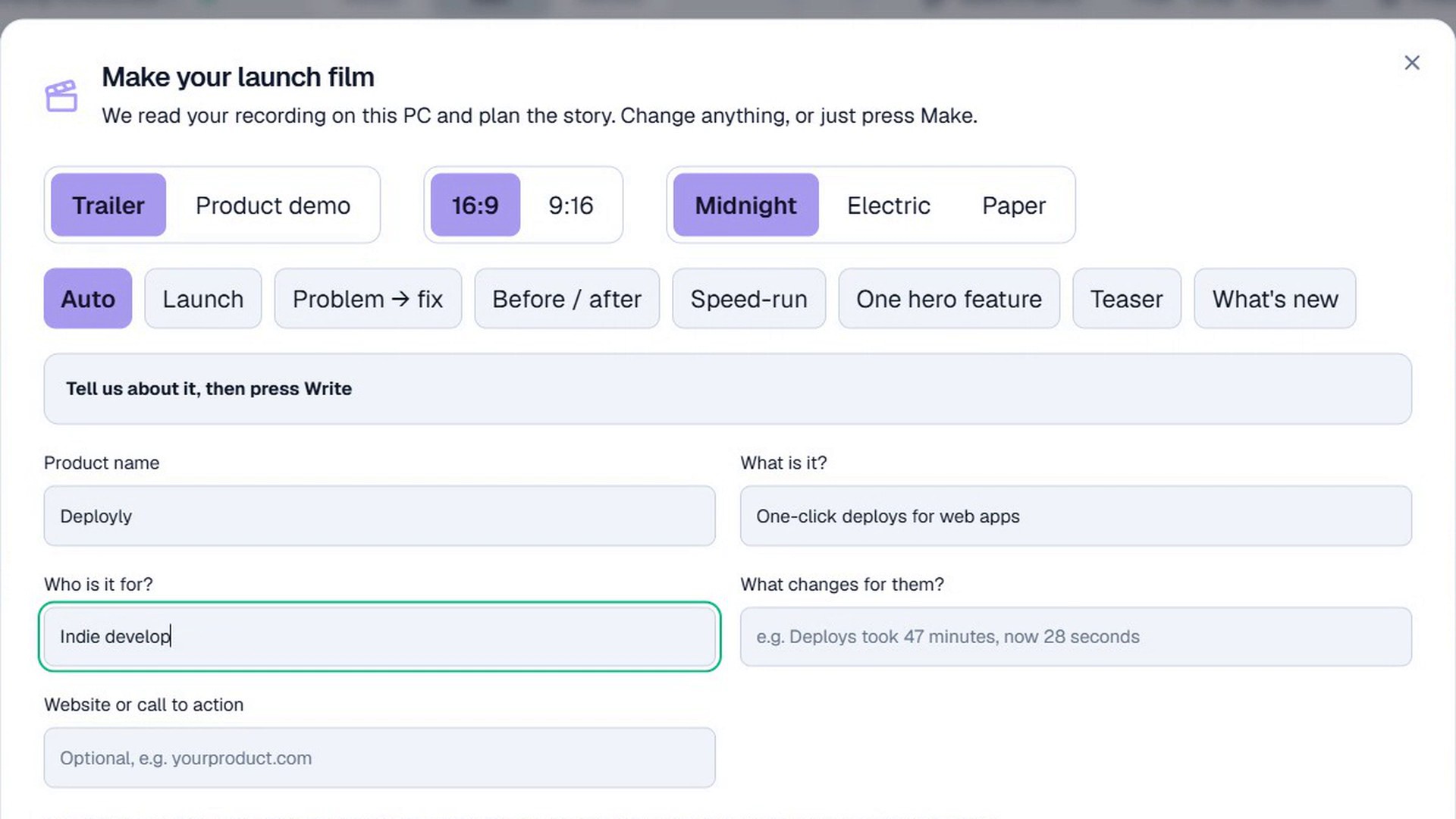
Landscape, square, vertical. MP4s for your site and a GIF for each feature in your launch thread.
Create first. Upgrade later.
Try every creative tool free. One lifetime licence removes the watermark. No subscription.
 LaunchLoopFor Windows
Free Windows editor
Try every tool and every film style.
Exports carry a large watermark.
No account or payment details needed. See what Lifetime unlocks →
Early price · first 100 buyers
Pay once, keep it forever. No subscription.
Taxes shown at checkout. Licence key by email. All sales final.
Yes. It is a native Windows desktop app. Recording, editing, film making and exporting all happen on your PC.
Your recording stays on your PC during capture, editing, captions and rendering. Optional AI writing sends your brief and extracted screen text to the configured service, never video or audio. Licence activation, caption-model downloads and optional AI services use the network. See our privacy page for the full breakdown.
Trailer is a 30-40 second launch cut with a hook, your name, chapters cut on the beat and a finale. Product demo is a calm walkthrough with numbered steps at real speed, one line of explanation each, and a recap. Both are made from the same recording.
Yes. Download LaunchLoop and use every feature for free: you get 3 exports a month at 720p, with a large "Made with LaunchLoop" banner, and the AI writer gives you two free stories. A paid plan unlocks full resolution, removes the watermark and adds 20 AI writes a month (50 on Lifetime): $9 once for the first 100 buyers, then $19 once.
Each licence activates on two PCs. Moving to a new one? Click Move to another PC on the old one first.
MP4, GIF and PNG stills in 16:9, 1:1, 4:5 and 9:16. Make a demo renders a 16:9 or native 9:16 film and a looping clip of every shot for X.
No. LaunchLoop is one payment: a lifetime licence for two Windows PCs, $19 once ($9 for the first 100 buyers). It never expires and includes every future update and 20 AI story writes every month. The current price and any taxes are shown at checkout.
No. All sales are final, so please try the free version first: it has every feature, at 720p with a large watermark.
Windows 10 & 11 · No account · Your footage stays local